Security Keys Sign-in
To sign-in with security keys two-factor method, first enter your username and
password and click Sign in.
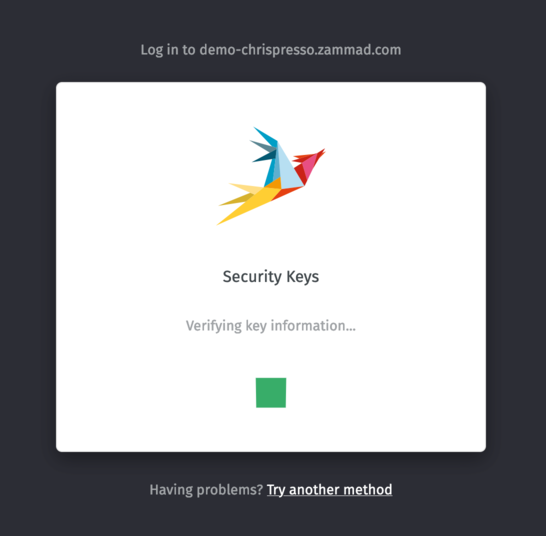
Ardından, tarayıcı tarafından sorulduğunda, güvenlik anahtarınızı talimatlara uygun şekilde girin.
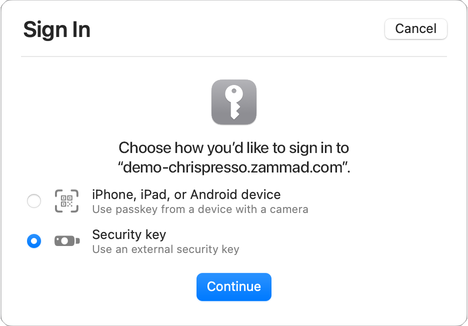
You may be asked by the browser to interact with a key or a device so you can prove you are in physical possession of it (e.g. enter its PIN to unlock it).
Uyarı
Providing your security key when asked is a time-sensitive operation! You may
be allowed a couple of tens of seconds to present and unlock your key, but if
the process time outs, you will have to Retry.
In case of errors, you will be able to Retry the verification of the key.