Mobile View
Zammad provides a dedicated mobile view for working on the go. The mobile view offers a focused, touch-friendly interface for your daily tasks, with a modern design and improved accessibility.


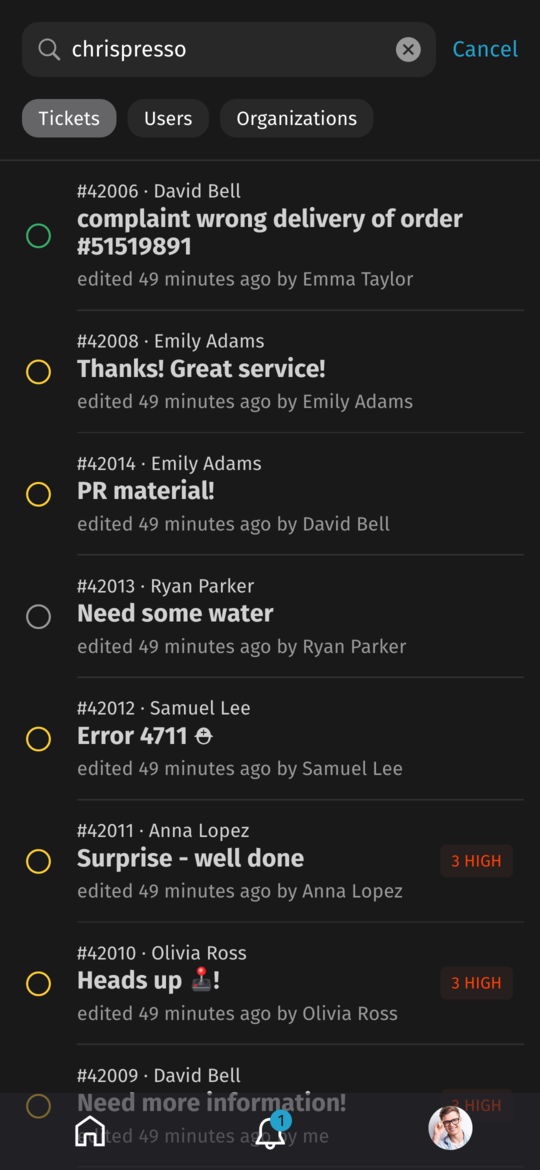


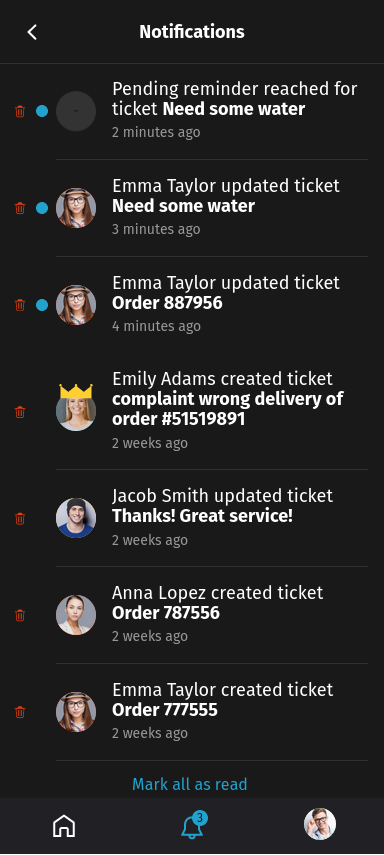
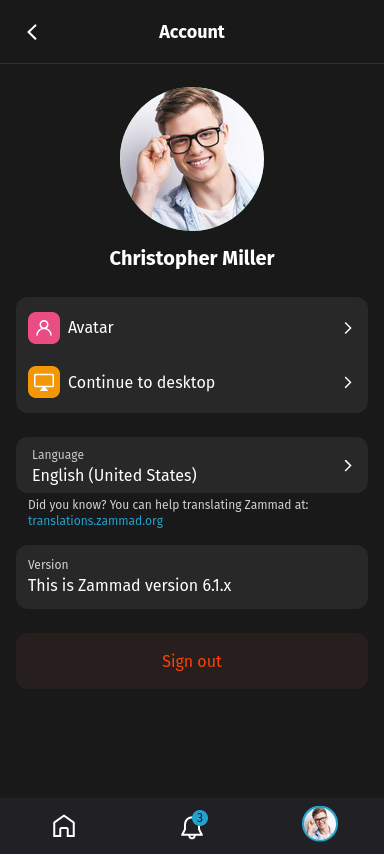
İpucu
We intentionally do not provide specific instructions for the mobile view. The overall UX should be intuitive and self-explanatory in most cases.
Features
Mobile view provides you with a way to do your common Zammad daily tasks while on the go:
Manage & use your ticket overviews
Search for existing records
Create a new ticket
Reply in an already existing ticket
Modify ticket attributes
Modify customer attributes
Modify organization attributes
Mobile view also has some exclusive features:
Innovative Zammad UX
Next-level accessibility
Ready for multi-device usage
Progressive web app (PWA) support
Limitations
Mobile view is also currently missing some features which are provided by the desktop view:
Ticket Article Time Accounting
Ticket Article Split Action
Linked Tickets & Ticket Link Action
Ticket Macros
Ticket History
Ticket Create Templates & Shared Drafts
Additionally, certain features were intentionally omitted in order to improve the focus on important information:
Most Management Features (except ticket user and organization management)
Most Knowledge Base Features (except ticket integration)
Most User Profile Functions (except avatar and language preferences)
Reports
Arama Kaydı
Canlı Sohbet
Access
Zammad now implements a mobile device detection, which results in automatic redirection to mobile view. Even with this mechanism in place it’s possible to explicitly switch between the views by using app links:

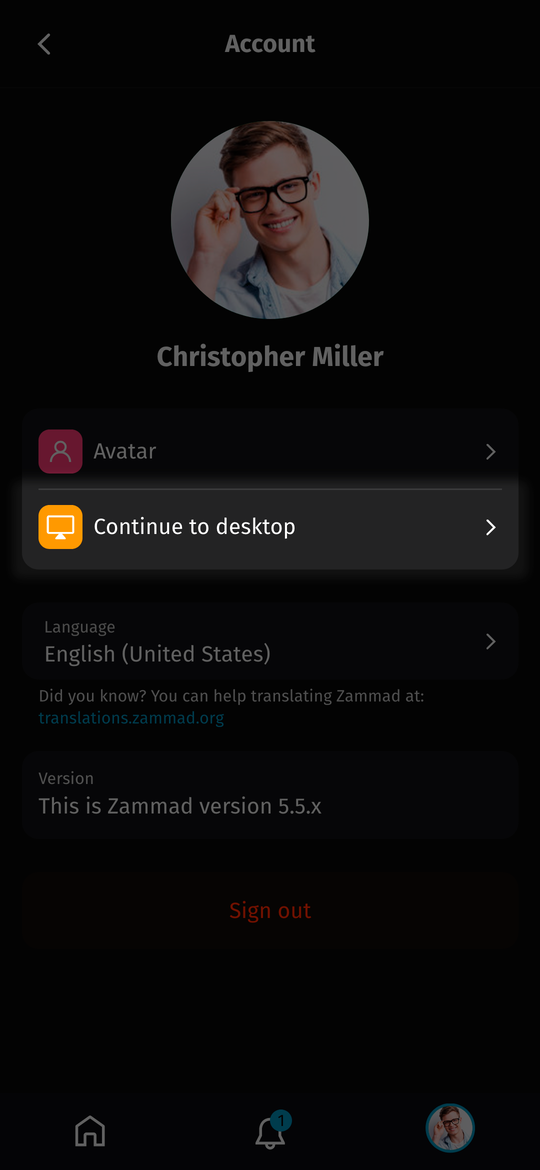
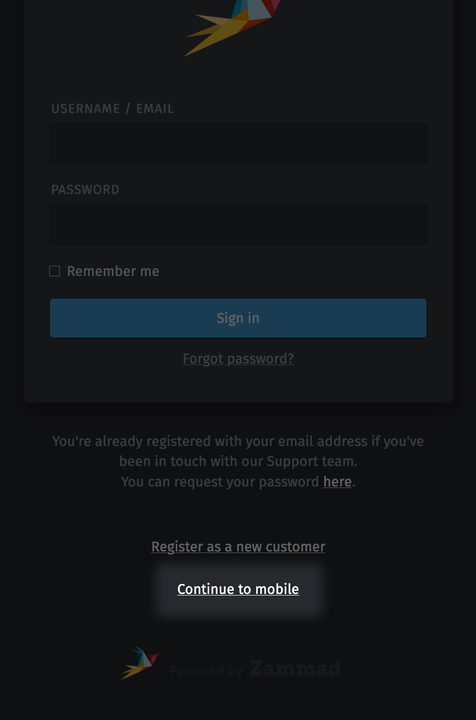
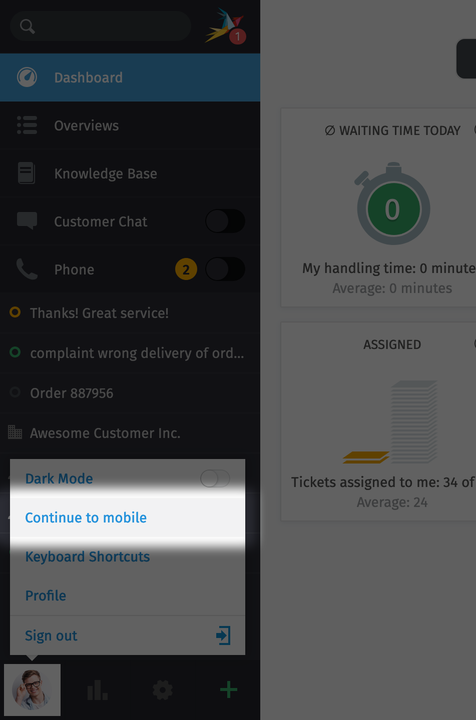
Whenever an app link is used, the choice will be remembered by the user’s device and the next time the automatic redirection will behave accordingly.