Security Keys Setup
The security keys method is a type of a two-factor authentication that uses Web Authentication API in the browser for verifying your identity. You may register multiple hardware or software security keys with your Zammad account and then they can be used during the sign-in process.
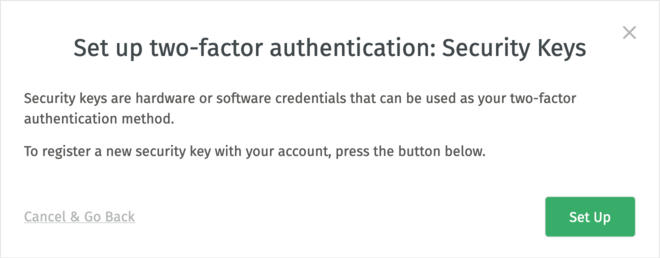
Initially, you will be presented with an empty dialog instructing you to
Set Up your first key.
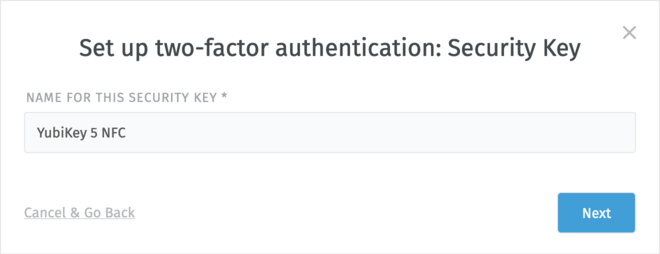
First, enter a descriptive Name for this security key you will be
registering with your account, so you could later identify it in the list. Then,
click on Next.
Next, depending you your browser, you will be presented with different options. Select one that refers to your chosen security key and follow the instructions on the screen.
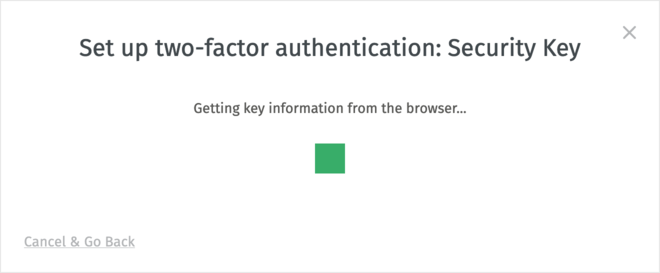
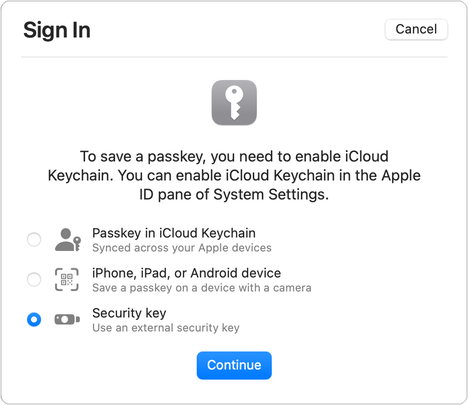
You may be asked by the browser to interact with a key or a device so you can prove you are in physical possession of it (e.g. enter its PIN to unlock it).
Avertissement
You will have limited time (measured in tens of seconds) to register your key. Better to have it ready before you proceed!
If the registration was successful, the modal dialog will close and you are good
to go. In case of errors, you will be able to Retry the registration of the
key.
Editing Security Keys
Once set up, security keys can be managed by choosing Edit action next to
the two-factor authentication method. There you have the option to remove a key
or set up additional ones. There is no limit in number of security keys you can
set up, but keep in mind you cannot register an already registered key for your
account.

Removal of the last security key will effectively remove the complete security keys method for your account.